
How to play KJ Test on mobile and console
Same kit. Worse thumbs. Still a real lobby.
The official KJ Test page promises console, PC, and mobile. That sentence is true and it is also the number-one reason new players think Q is broken. This guide is the device layer on top of controls. Print the controls cheatsheet after you finish here. You do not need a different game. You need a layout that does not fire dash when you meant punch.
KJ Test is still an 11-player R6 battleground on place 75753413268977. Join from the Roblox listing, not a KJ Test Remake with extra tags. Links Hub.
Mobile: build the HUD before you fight
Open settings on spawn and reset buttons if punch, dash, and block overlap. Sister KJ titles already print that warning; this experience inherits the same touch mess. Then:
- Put punch on the right thumb rest.
- Put dash (Q) away from punch. Overlap is how you “randomly” teleport into a Ravage.
- Put block (F) as a hold, not a tap next to emote.
- Move emote (B) to a corner you will not mash in a grab.
- Turn on the lock / strafe toggle. Without it, dashes follow camera drift into the void. Same lesson as getting started.
Ultimate is still G. On a phone that is a face button or a labeled Ult. It is not skill slot 4. Slot 4 on KJ is Spiraling Storm. How to awaken.
Who to main on a phone
Red Mist first. Wide slashes forgive sloppy thumbs. S-tier on mobile in the character rankings for a reason. KJ second, only after you can land walking Ravage without dashing into the grab yourself. Invincible looks like a superhero and plays like a commitment — save it for PC if your Q is a coin flip.
Do not open the emote wheel in neutral. B on mobile sits too close to dash on default HUDs. Claim the group cosmetics on a quiet spawn, then hide the wheel.
Console: faces, not numbers
Xbox-style sister overlays: punch on a face button, dash on Y, block on X, ultimate on D-pad up. Believe the in-game prompt, not a TSB screenshot. Shift-lock is usually a trigger. Without it, wall pins from wall combo miss because the camera is a tourist.
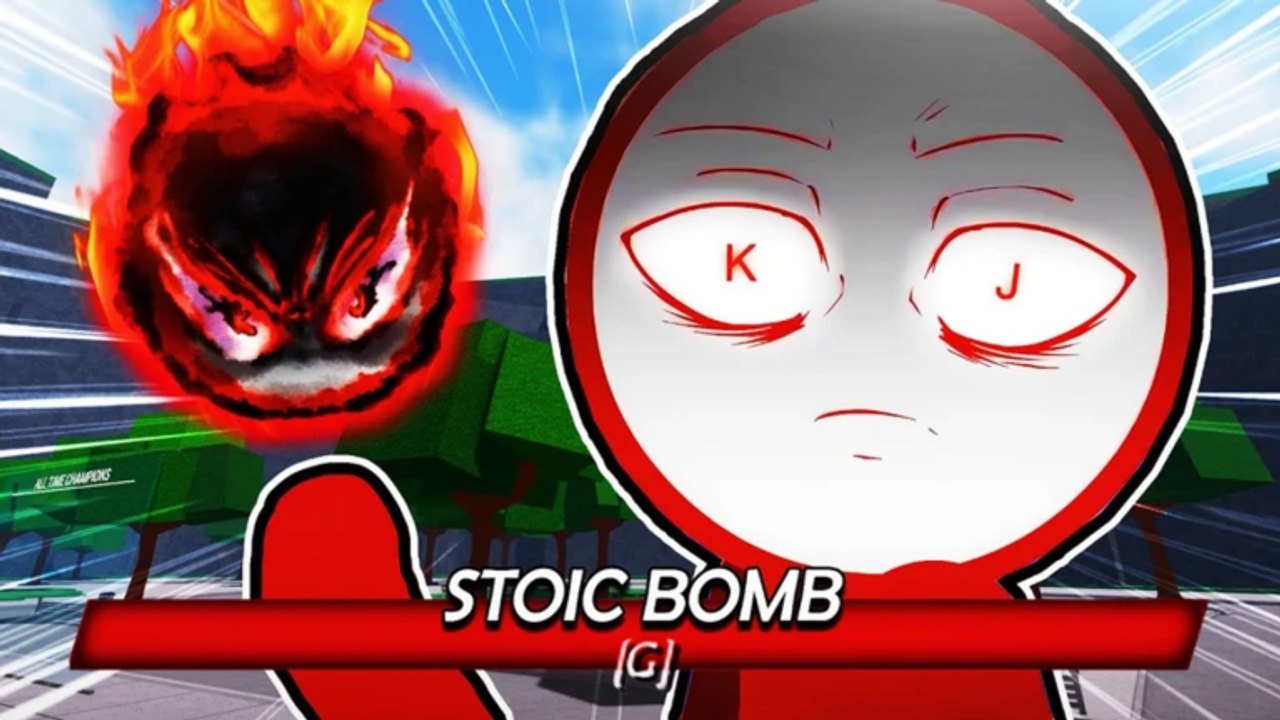
On-screen keyboards exist for a future codes box. There is still no confirmed promo GUI. If you ever redeem, walk to a quiet corner first — how to redeem. Do not open a keyboard during someone else’s Stoic Bomb.
Ping is a device
Mobile hotspots and shared Wi-Fi add a fake “the kit is laggy” story. If ragdolls last a year, change server, then change network. Combos in combos assume the dash connects. They will not save a 200 ms hop. PC still has the cleanest dash angles. That is physics, not elitism.
Ten-minute device drill
- Three triangle dashes, no M1.
- Block two punches, dash out.
- Walking Ravage only — no running Ravage on a phone.
- Fill a bar and do not press G. Living with a full meter is rank.
- Die on a wall on purpose. Watch whether they Q-dash into the pin. Copy it later on wall combo.
When those five feel cheap, you are allowed to open how to beat KJ and stop blaming the touch layer.
What not to install
Touch macros, “mobile KJ auto combo,” and overlay executors. They are the same malware the Scripts Hub already warned PC about, wearing a bigger button. The admin-looking kit is already free. Your thumbs are the bottleneck.
Patch days still do not add a separate mobile build. August live patch can retune a drop, not your HUD. Fix the HUD once. Then play.
Frequently Asked Questions
Quick answers players actually search for in KJ Test.
Why does dash fire when I punch on mobile?
The buttons overlap. Reset the HUD and separate dash from punch. Details on controls.
Is console the same kit?
Yes. Same G / F / Q / M1 / B language. Face-button labels differ. Trust the prompt.
Do I need a script to play on mobile?
No. Scripts get you kicked. The kit is free. Scripts Hub.